Payment reminders that do the chasing for Zoho Books
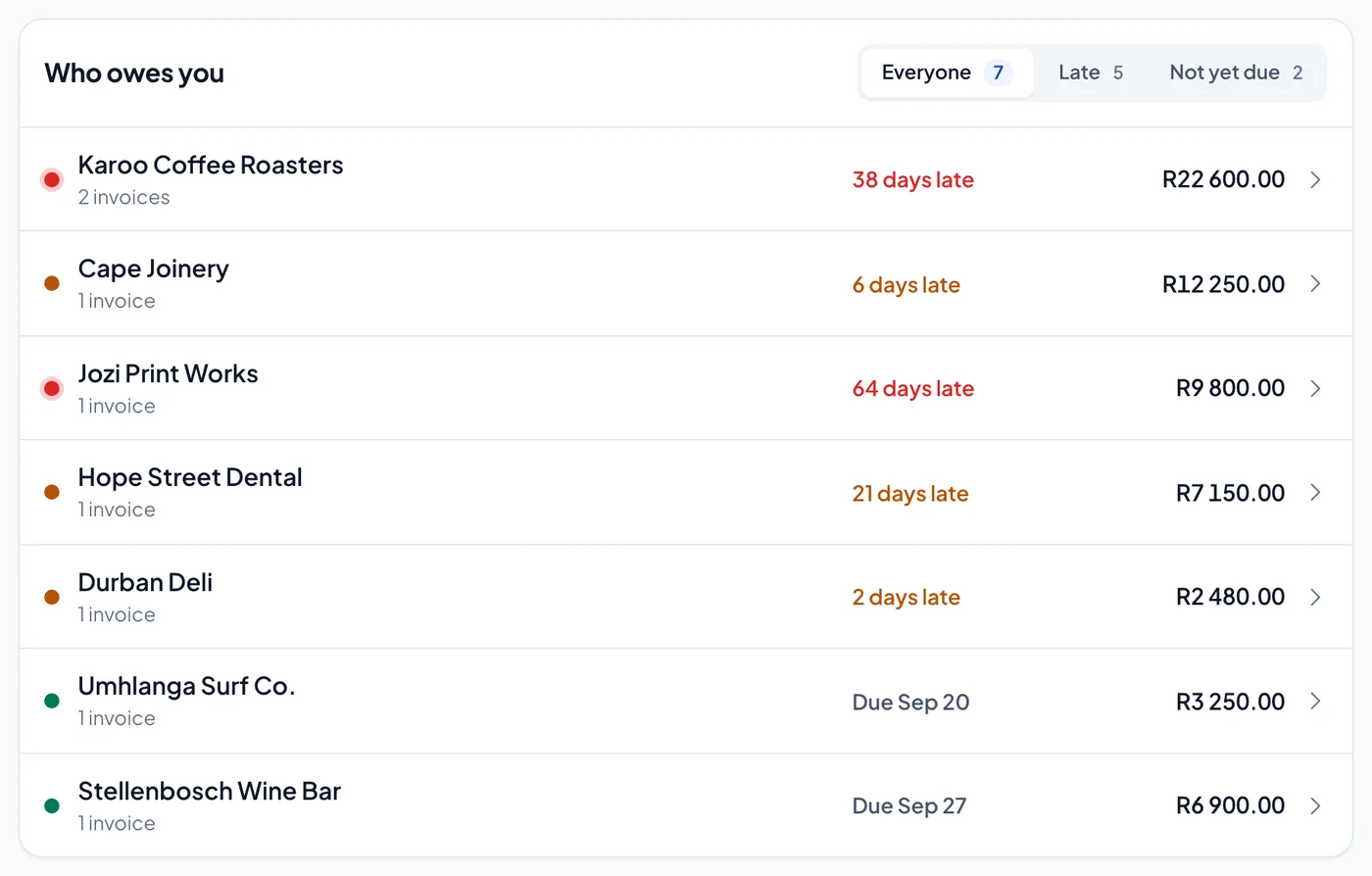
Connect Zoho Books and PaymentDue keeps an eye on every unpaid invoice — who owes, how much and how late — and reminds your customers on the days you choose, with a link to pay online.
How it works A few minutes
Connected to Zoho Books in a few minutes.
Choose Zoho Books in PaymentDue and sign in on Zoho’s own page.
Allow PaymentDue to read your customers and invoices. Your Zoho data centre is recognised automatically.
If your login reaches more than one organisation, pick the one these books belong to.
Your Zoho Books connection is refreshed every 15 minutes, so new invoices appear and paid ones stop being chased without you doing anything.
Which Zoho data centres does PaymentDue support?
All of them. Zoho keeps each account in one data centre, and PaymentDue reads which one yours is in when you connect.
Does PaymentDue change anything in Zoho Books?
PaymentDue reads your customers and invoices from Zoho Books so it can show who owes what and remind them. It never moves money, and nothing in your accounting changes until you ask it to.
What does PaymentDue cost for Zoho Books users?
R299 a month for your first company and R99 for each one after it, with unlimited customers, invoices and reminders. The month you sign up in is free.
Last page — your move
Get your Zoho Books invoices paid.
Connect your accounting system in a few minutes. The month you sign up in is free, and nothing is emailed to a customer until you say so.
No card needed · Works with Xero, QuickBooks and Zoho Books · Prices in rand